# Connect Your Bot
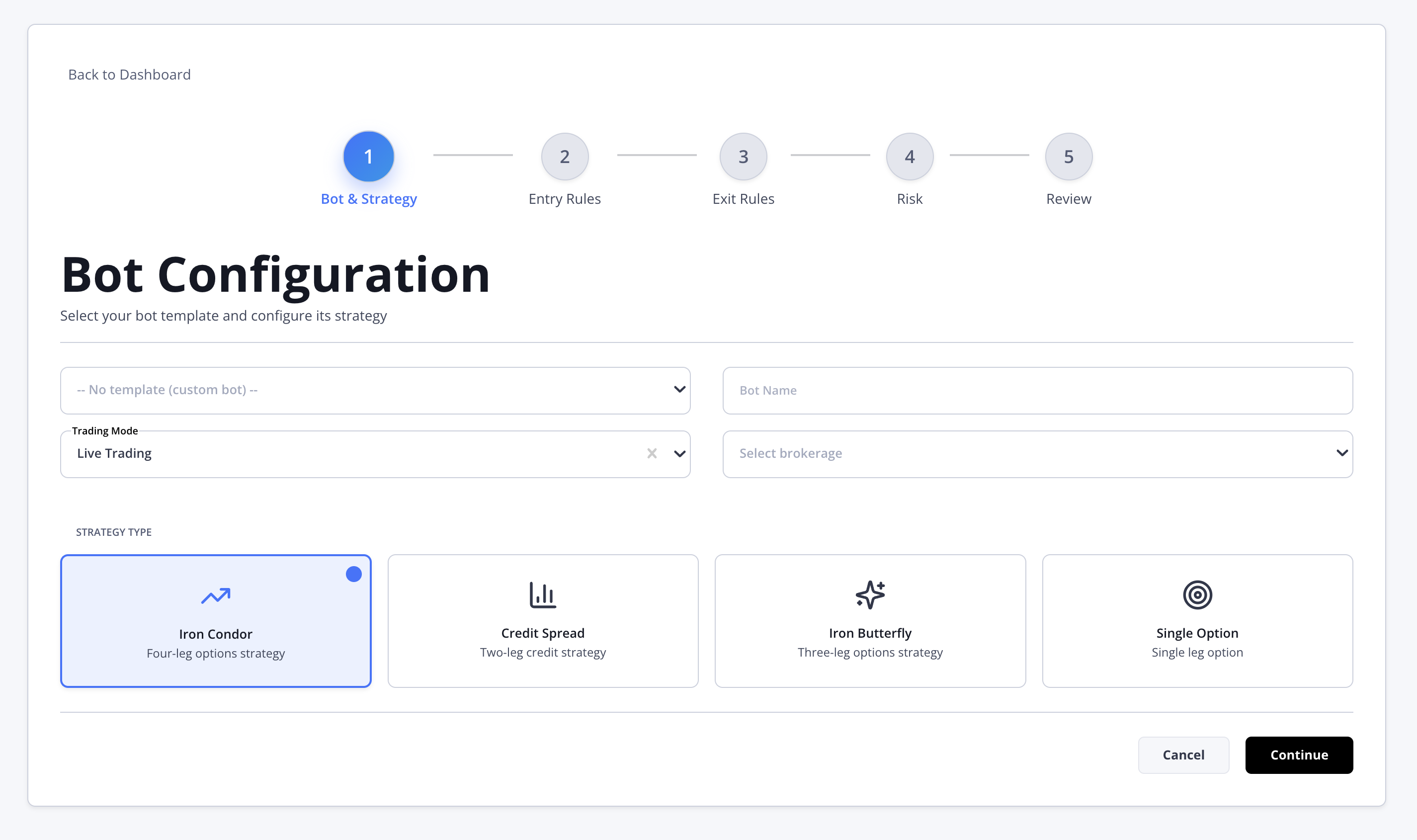
1. Once your broker is connected, go back to "**Quick Actions**" and Click on "**Add Trading Bot**".
2. You can choose one of our existing templates, or create your own by selecting a strategy and customizing it to fit your preferences.
3. Once you’ve filled out all fields, review your settings, then save. **Your bot is now live.**
### View your Bots
To view your bots, return to the dashboard and select "**My** **Bots"**. All your bots will appear there.